ICC color profile
Describes the printing condition. It goes into the system color profile folder, where every application can use it.

ICC profiles, Adobe color settings and PDF export presets for offset printing at Folprint. The package is built for the Fogra51 and Fogra52 printing conditions according to ISO 12647-2:2013.
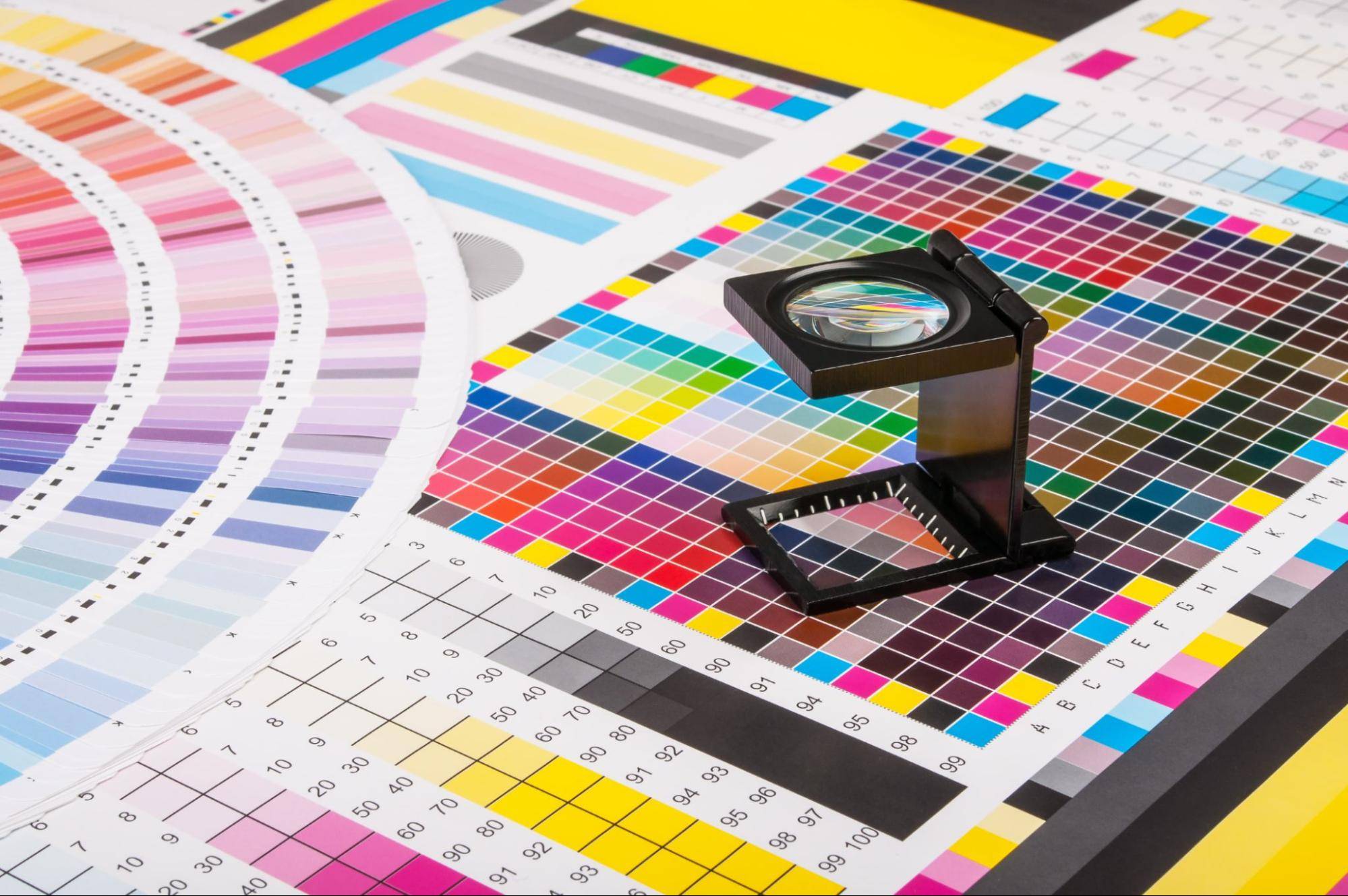
Coated and uncoated paper each have their own profile, their own color settings and their own PDF preset.
Describes the printing condition. It goes into the system color profile folder, where every application can use it.
Default color management for Photoshop, InDesign and Illustrator: CMYK working space PSO v3, RGB working space sRGB.
PDF/X-1a:2003, CMYK conversion to PSO v3, spot colors preserved, 300 ppi, 3 mm bleed.
One question decides: is the job printed on coated or uncoated paper? Both profiles are built for 300% total area coverage and a maximum of 96% black.
Art paper, graphic board, folding boxboard (PT1 / PT2)
Offset and natural papers (PT4)
macOS: ~/Library/ColorSync/Profiles. Windows: right-click the file → Install Profile. Then restart the Adobe applications.
Copy both .csf files into the Adobe Color/Settings folder. Adobe Bridge → Edit → Color Settings → FOLPRINT Coated → Apply: all Adobe applications are synchronized.
Double-click the .joboptions file. When exporting, choose the FOLPRINT preset that matches the paper and leave it unchanged.
